Archive for the ‘ubuntu’ tag
‘Cause I’m free, to do what I want, any old time
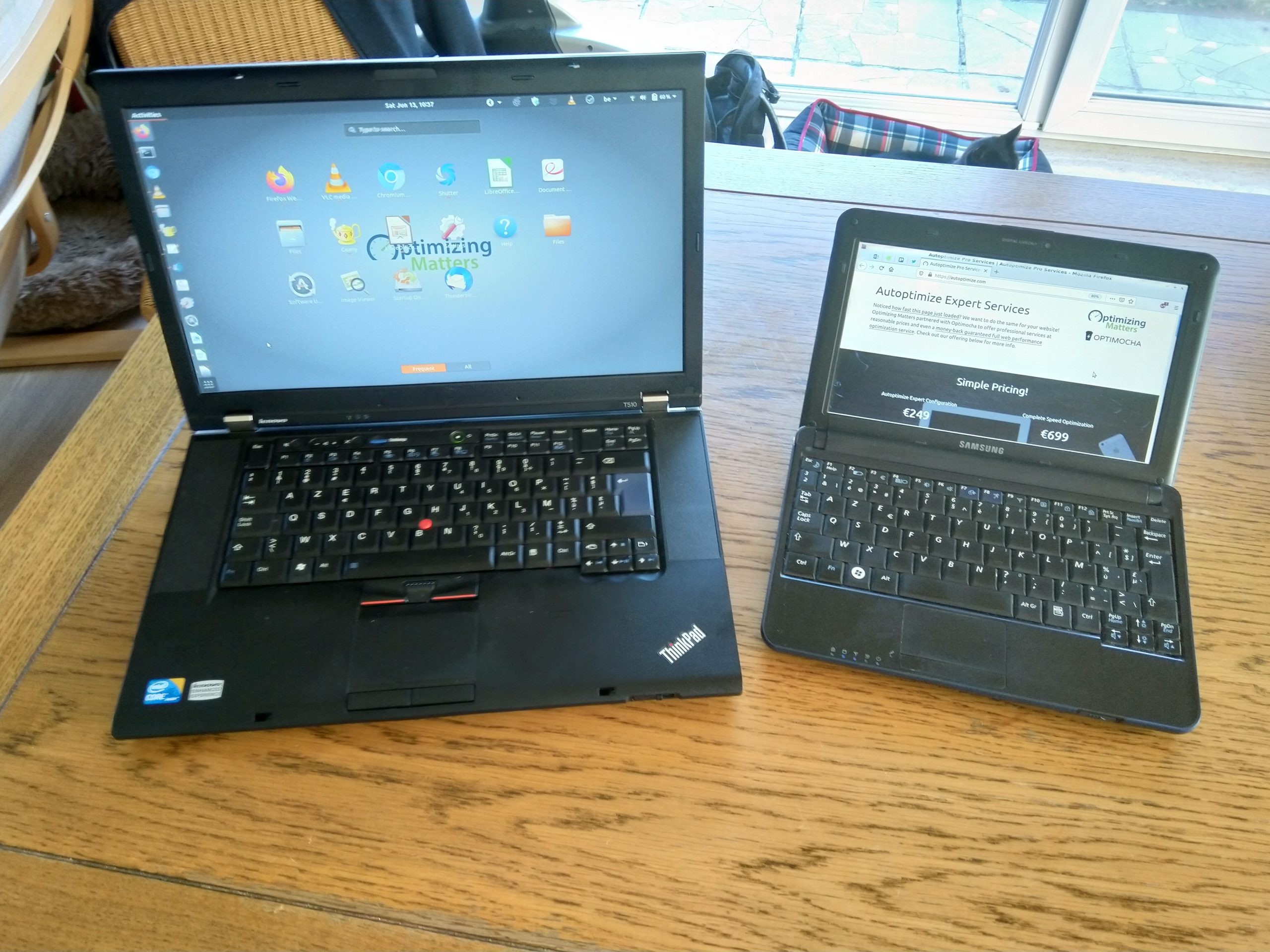
Freedom comes in many shapes and forms, but give me a computer which is not burdened by corporate software and enforced group policies and give me internet access that is not limited by proxies that prohibit you from using half of the web and I’m a happy little futtta. I cracked the proxy thingie problem at work some time ago already, but the computer/OS-part remained an issue up until now. I tried virtualization with VMWare and Qemu but wasn’t convinced and booting into my “disktop” (Ubuntu 8.04 intalled on an USB-connected external HD) while at work was far from efficient, so I kept jerking around in the uninviting environment which is the maimed Windows XP we have to put up with here.
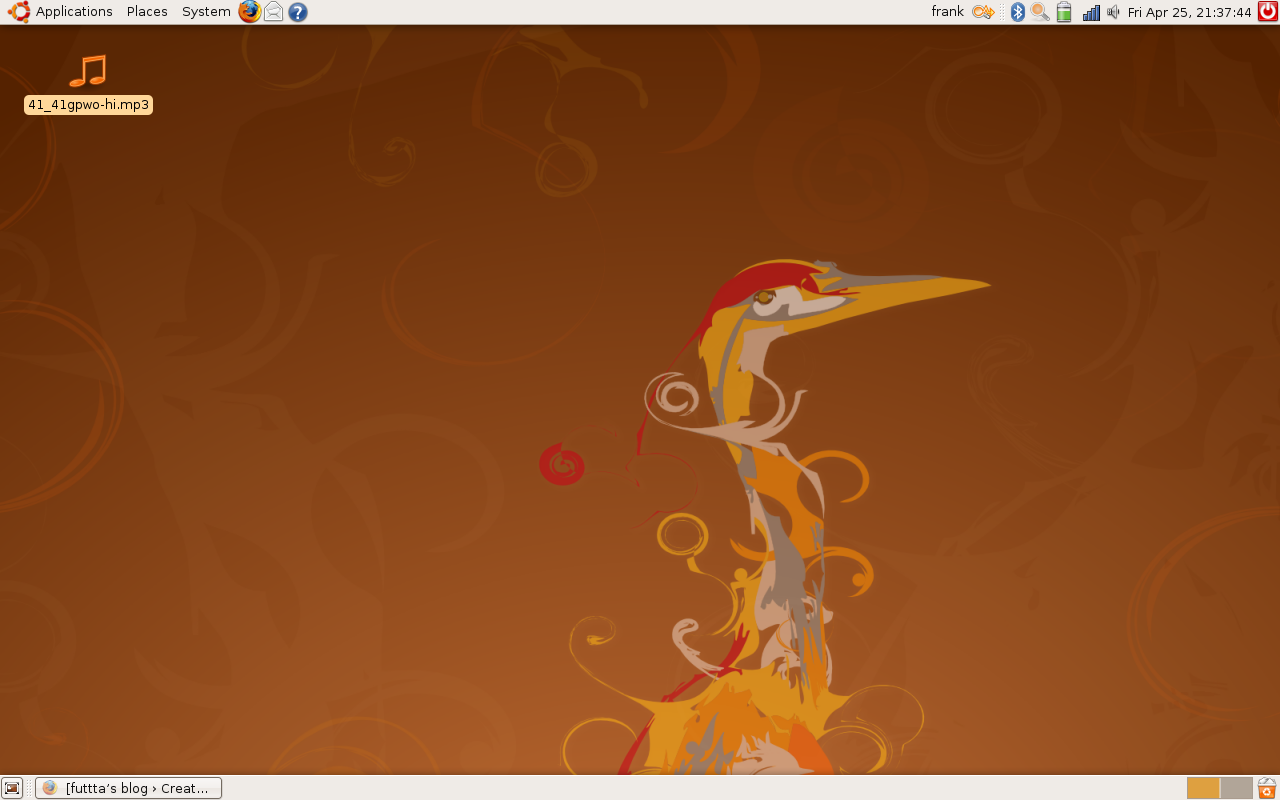
But some time ago my laptop got a memory upgrade (from 1 to 2 Gb) and last week Paul Cobbaut wrote about Virtualbox on his blog. I installed this example of German craftsmanship (both a “free as in beer” and an open source version are available, version 3 was just released a few hours ago!) and my computer hasn’t been the same since. I’m now running a fullscreen (guest additions rock) Virtualbox virtual machine with Ubuntu 9.04, using an openssh-provided (with some help from corkscrew, off course) socks-proxy for unlimited internet access and I feel like a kid that has just been allowed in a playground.

Next to Ubuntu, I also installed Opensolaris (which seems to need a shitload of RAM) and a leaked version of the emulator of that much anticipated (well, by me at least) Palm WebOS. On my disktop I installed the Linux-version of Virtualbox and I’ve got OS-weirdness such as ReactOS, Haiku and Syllable running there. Hell, maybe I’ll even install (a clean version of) Windows XP in a virtual machine there, just to make it full circle. ‘Cause I’m free!
Joikuspot connection problem with Ubuntu Linux
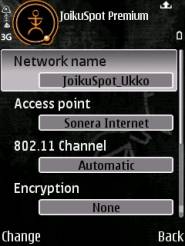
This weekend I had to resort to Joikuspot (software that turns your 3G-cellphone into a wireless gateway to the internet) for my web-needs. Because I encountered a few problems setting up a connection from my Ubuntu laptop, here’s a quick recap for documentations sake.
The rather fundamental issue was that I couldn’t get my computer (a Dell D620 running Ubuntu 8.04 with the iwl3945 driver) to join the ad-hoc wifi-network which Joikuspot (on a Nokia e61i) created. As connecting from my wife’s Windows XP laptop did work, I googled around a bit and it turned out I had to specifically set the channel used by Joikuspot to 1 or 6 instead of “automatic” or 11. Although NetworkManager still seemed confused, this did allow me to connect from the command line (disabling wireless networking in NM first and then using iwconfig and dhclient). But why joining an ad-hoc wifi-network on channel 11 doesn’t work in Ubuntu, that I still don’t know.
Once connected to the wireless network, I found out that Joikuspot Light requires your browser to auto-detect a proxy. The proxy in Joikuspot seems to be used to limit the functionality of the free version and gently push you towards the non-free Premium product. As my normal web-connection came back soon after I figured this out, I didn’t bother to test if I could tunnel my way out of those limitations. But crippled or not, Joikuspot is great to have around when your broadband connection is down.
Firefox 3rc1 shines in Javascript benchmark
As the official release of Firefox 3 is getting closer, with Release Candidate 1 being available since May 17th, I decided to boldly go where codinghorror has gone before and do a quick-and-dirty Javascript-performance comparison of the different browsers I’ve got installed on my Dell Latitude D620 laptop, using Webkit’s Sunspider benchmark.
Let’s start with the results for the browsers on my Windows XP SP2 installation, ordered from slowest to fastest. Each test was executed 2 times, clicking on the results will teleport you to the detailed results where you can paste the URL’s of another test to compare.
- msie 6 (6.0.2900.2180.xpsp_sp2_qfe.070227-2300): 47203.0ms +/- 16.7% and 47882.2ms +/- 4.9%
- IE 7 (standalone version, see below): 44726.2ms +/- 4.1% and 42655.2ms +/- 5.0%
- firefox 2 (2.0.0.12): 26025.4ms +/- 4.5% and 25305.0ms +/- 1.1%
- opera 9.27: 14202.0ms +/- 1.0% and 14755.6ms +/- 2.4%
- opera 9.5 (b2, build 9945) produced a number of ‘NaN’s’, but is clearly faster then it’s predecessor
- safari 3.1 (build 525.13): 6759.0ms +/- 1.2% and 6750.8ms +/- 2.0%
- firefox 3 (rc1): 5830.4ms +/- 2.2% and 5765.8ms +/- 1.0%
The MSIE7-results are probably not entirely representative, as I use Tredosoft’s standalone IE7. This is a bit of a hack to have IE7 on my otherwise MSIE6-based system. Moreover my corporate Windows-installation is infested with crapware, notably McAfee OAS and Zonealarm seem to be slowing things down enormously. The codinghorror-tests indeed show significantly better results for this browser, although IE does have serious issues with string concatenation, which should be fixed in IE8.
On the same hardware, but booting in Ubuntu 8.04 (Linux) form my external USB HD (a.k.a. my ‘disktop‘), I got the following results:
- opera 9.27: 15343.2ms +/- 1.1% and 15499.4ms +/- 1.1%
- firefox 3 (rc1, official mozilla build): 5352.6ms +/- 1.1% and 5343.8ms +/- 0.6%
- firefox 3 (b5, included in ubuntu 8.04): 5195.2ms +/- 1.6% and 5240.2ms +/- 1.4%
- konqueror 4: not tested yet,
results will follow later todaycan’t get test to completely run, any KDE-user want to give this a try?
Firefox 3 RC1 seems slightly slower then b5, but maybe the Ubuntu-b5-version is compiled with optimizations? Firefox is also faster on Ubuntu, but the anti-virus-bloat is probably messing with our heads here (although Opera is slower on Linux, go figure).
The general conclusion however; Firefox 3 is a huge step forward as far Javascript-performance is concerned. Users of javascript-heavy web-applications such as Gmail, Google Reader, Zoho Office and Zimbra should benefit enormously from this. It would however be very interesting to perform similar tests with regards to ‘normal page rendering’ (html/css). Does anyone know of such benchmarks?
Ubuntu Hardy upgrade a breeze!
I upgraded my Ubuntu “disktop” from 7.10 to the new Ubuntu 8.04 (aka Hardy Heron) today. The entire process took around 1h30 (download of packages was rather slow) and was incredibly straightforward (as shown in upgrade docs). Everything seems to work flawlessly as far as I can tell.
Hardy is running Firefox 3 beta 5, but Ubuntu/ Canonical will provide upgrades as FF3 goes through it’s final release-stages. Strange as including a Beta might seem, this actually is a wise thing. FF3b4 and b5 have proven to be quite stable (i’ve switched from FF2 approx. 2 months ago, haven’t looked back since). Moreover, Hardy is a “Long term support”-release, with the Desktop-version receiving support until 2011 and the Server-version until 2013 and using FF3 ensures Ubuntu of continued support (read: security updates) of the Mozilla-team in the years to come.
Check out the release notes for more details about Ubuntu 8.04 LTS.
Truecrypt 5; meer encryptie, meer platformen
Sinds een paar dagen is er een nieuwe versie uitgekomen van één mijner favoriete tools: Truecrypt. De belangrijkste nieuwe features:
- system disk encryption voor Windows: Truecrypt kan je HD on-the-fly versleutelen en installeert dan een eigen boot loader die, na het invullen van de correcte credentials, de boel decrypteert en Windows opstart. En omdat performantie dan dubbel zo belangrijk is, zou de read/write snelheid dankzij pipelined operations tot 100% hoger zijn dan in versie 4.3.
- de Linux-versie (er zijn binaries voor Ubuntu en OpenSuse, de rest van de wereld mag zelf compileren) heeft nu ook een propere GUI (zie screenshot hiernaast) en gebruikt daarvoor wxwidgets. Truecrypt nestelt zich mooi in de Gnome notification area en als je dubbelklikt op een gemount volume opent de inhoud daarvan zich proper in Nautilus. Truecrypt voor Linux is ook onder de motorkap grondig herwerkt; het gebruikt nu fuse om te mounten en is daarmee dus minder rechtstreeks afhankelijk van de kernel.
- En er is nu ook versie voor Mac OS X (10.3 en 10.4, klik voor screenshot), die gebruikt blijkbaar ook wxwidgets en (mac)fuse, overigens.
- De ‘mode of operation’ is nu XTS ipv LRW (geen idee wat dat betekent, maar u misschien wel, dus there you go!).
Voor de rest biedt Truecrypt als vanouds file- en device-based encrypted volumes, is het nog steeds mogelijk om in het ene Truecrypt-volume een ander volledig onzichtbaar te verbergen en werkt dat vooral allemaal heel intuïtief en transparant. Truecrypt 5 is daarmee een sterke cross-platform (freebsd ontbreekt officieel, maar staat wel vermeld in de makefile Philip
), gebruiksvriendelijke open source oplossing om data betrekkelijk veilig op te slaan. Een aanrader, zeg ik U!
Blijf nu toch eens van mijn MBR!
Bij de herinstallatie van mijn “disktop” gisterenavond had ik terug identiek hetzelfde probleem. De icybox was weer sdb, ondanks het feit dat die nu wel op tijd aanstond. De Ubuntu installer overschreef opnieuw ongevraagd de mbr van sda ofte mijn interne bedrijfs-windows-schijf. Geen groot probleem, ik wist nu dat ms-sys alles kon oplossen. Maar de kluns uit mijn vorige post, dat was ik dus feitelijk niet, maar de Ubuntu (grub-)installer. Toch een vies bugje, lijkt me?
futtta klunst weer (met MBR’s)
Ik had weer eens stom gedaan! Ubuntu installeren, daar kan tegenwoordig niets fout bij gaan, toch? Dacht ik ook, toen ik mijn laptop bootte met de Ubuntu Gutsy CD om van een externe HD (a whopping 4Gb in een Icybox!) een ‘disktop’ te maken. Met die disktop wilde ik de regel dat een werknemer geen ander OS mag installeren op de precious company hardware, een beetje geniepig omzeilen.
Wat er dan fout liep? Wel, omdat ik mijn laptop eerst had laten booten van de Ubuntu CD en dan pas de externe HD had ingeplugd, overschreef de Ubuntu installer (na succesvolle setup op /dev/sdb) de MBR van de interne harde schijf (/dev/sda, hd0 voor grub) waarop mijn corporate WinXP stond. Het nuken van de MBR op de eerste HD is in een aantal scenario’s ongetwijfeld wenselijk, maar ik zat daar wel mooi met de gebakken peren: Grub bleef hangen in stage 1 zolang de externe schijf er niet aanhing.
Door dat stomme kabeltje te laat in te pluggen, heb ik een beetje moeten wroeten vooraleer ik terug een volledig werkend systeem had. De MBR herstellen met de XP recovery console kon al niet: ik heb hier thuis geen XP en die cd gaan vragen aan onze helpdesk leek me al bij al geen goed idee. Google toonde me gelukkig de weg naar MBR-zielerust; ms-sys is een linux utility om MS Windows compatibele mbr’s te schrijven. Booten van Ubuntu CD, “apt-get install ms-sys” en “ms-sys -m /dev/sda” en mijn corporate PC was terug in originele staat! Oef, konden ze mij alleszins al niet meer op staande voet ontslagen
Volgende stap; een MBR met grub stage 1 op de externe HD schrijven en grub dan volledig van die schijf laten booten. No biggy; opnieuw booten met de Ubuntu CD, vanop de command line grub opstarten, met “find /boot/grub/stage1” checken waar grub geinstalleerd staat (hd0 dus) en dan grub zijn ding laten doen met “root (hd0,0)” en “setup (hd0)“. Tenslotte /boot/grub/menu.lst nog aanpassen om te booten van hd0 ipv hd1 en pats-boem-klets; ik had niet enkel een WinXP op mijn laptop, maar ook een bootende Ubuntu op de externe harde schijf. Free at last! Free at last!
Laatste probleempje; de Icybox was nu hd0 voor grub, maar /dev/sdb eenmaal ik in linux was. Geen probleem, behalve bij een Ubuntu kernel upgrade, want dan werd mijn /boot/grub/menu.lst verkeerd aangepast en probeerde grub zijn stage 2 terug op hd1 (de interne schijf) te vinden. Daarvoor paste ik /boot/grub/devices.map nog aan naar
(hd0) /dev/sdb
(hd1) /dev/sda
Het was nog even wachten op een kernel upgrade om te zien of dat werkte zoals verwacht, maar ik was de afgelopen weken alleszins weer een happy pinguin. Tot -tja, ik ben echt wel een kluns- … tot ik deze ochtend mijn Icybox al vouwfietsend uit m’n halfopen computertas op straat hoorde vallen. Proberen booten, maar alles is kapot en fsck biedt geen redding. Ik heb dus geen Ubuntu disktop meer. Zal maar eens naar een 2,5 inch HD van 20Gb ofzo zoeken op Kapaza zeker, dan kan ik nog eens van voren af aan beginnen? Freedom is never free